
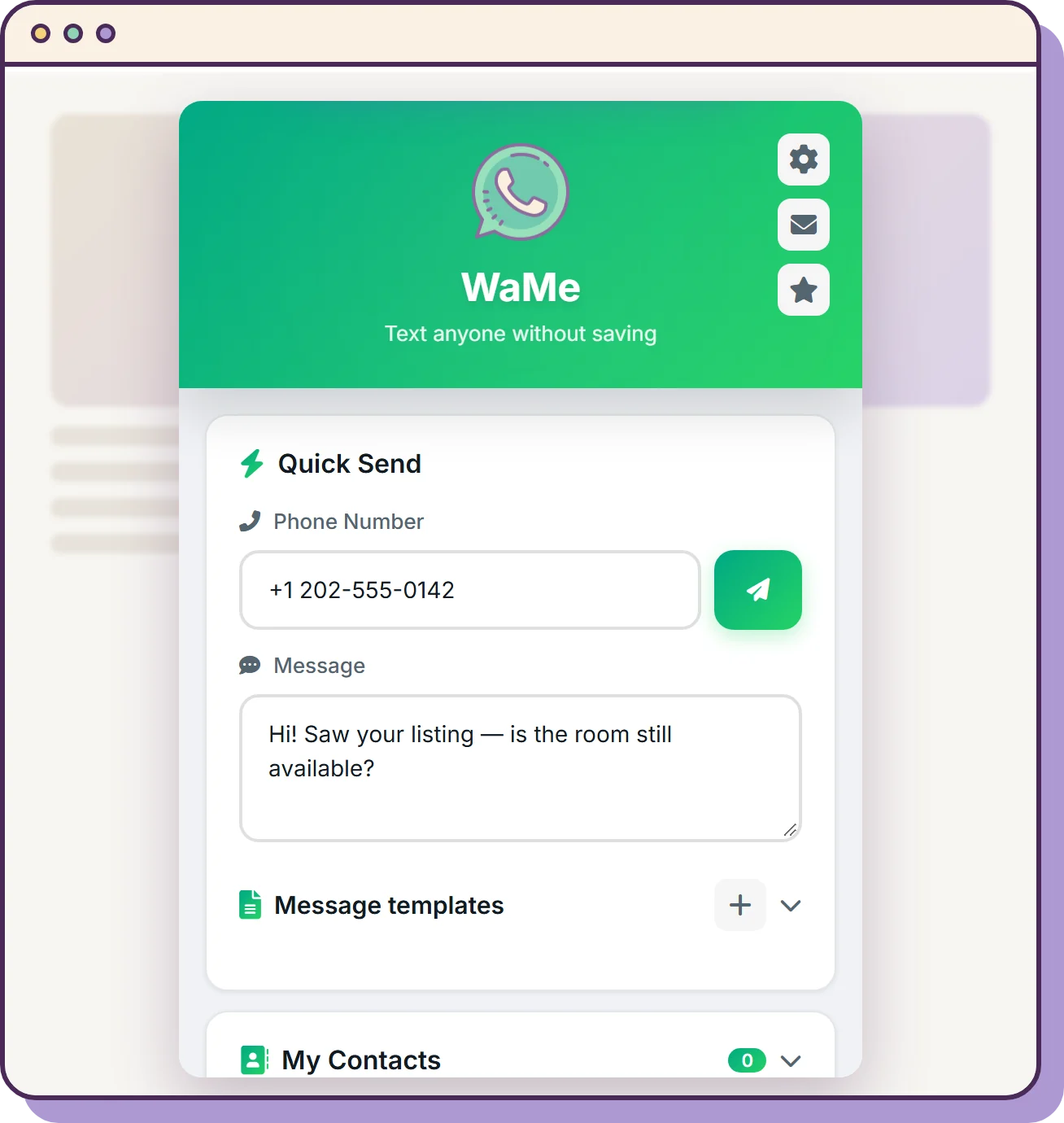
Start a chat without saving the contact.
Type a number and open the chat. Nothing is added to your phone's contacts.
- Highlight a number on any webpage and right-click to message it.
- Number in a picture or a screenshot? Crop it and WaMe reads it.
- A local history of everyone you messaged, and where you found them.
- Templates for the messages you send all the time.
- Ctrl+Shift+1 opens it from anywhere (⌘+Shift+1 on a Mac).
Every export is a real file.
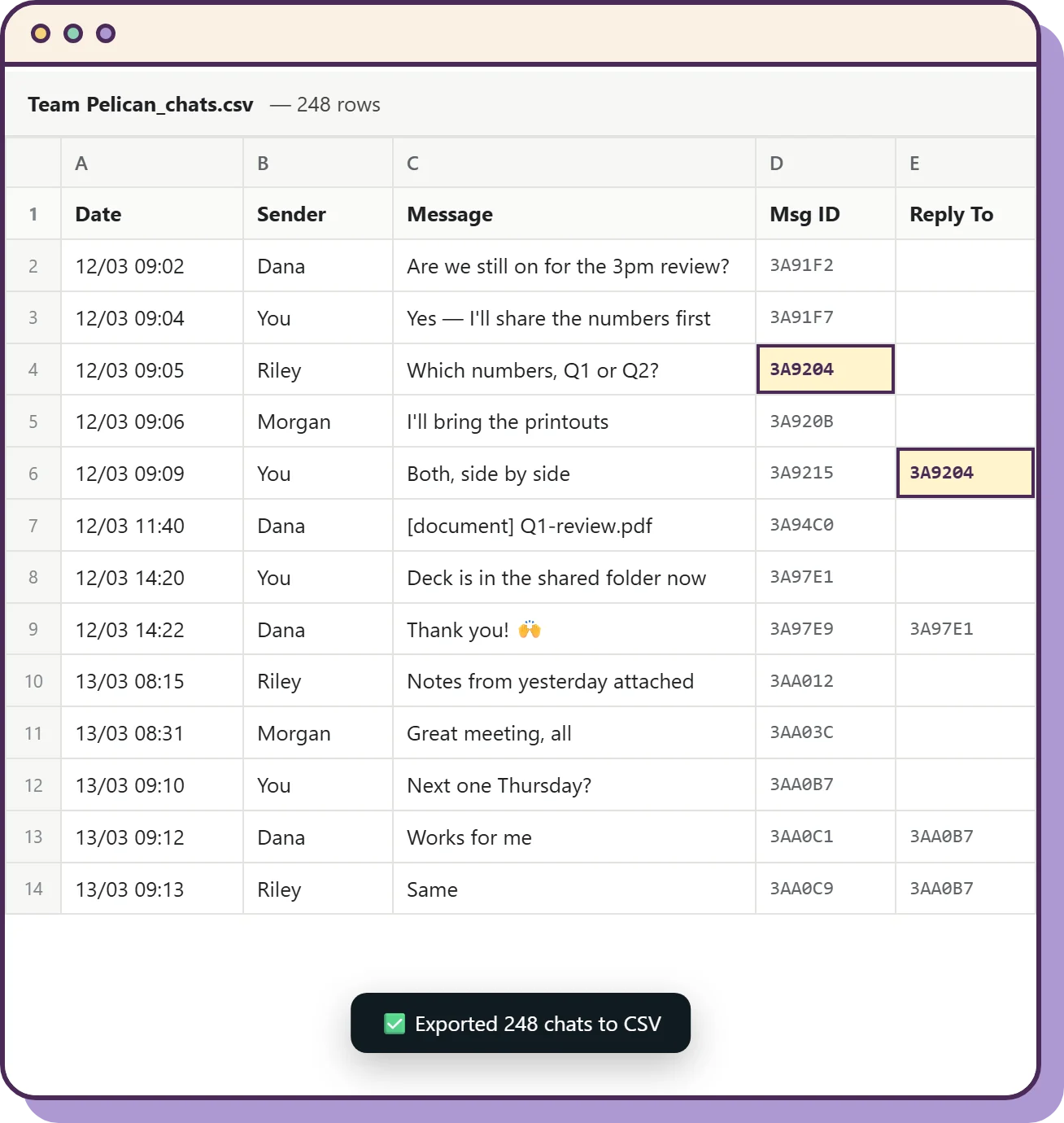
Download a conversation as a spreadsheet: who said what, and when. You choose the date range when you start.
- Replies point back to the message they answer.
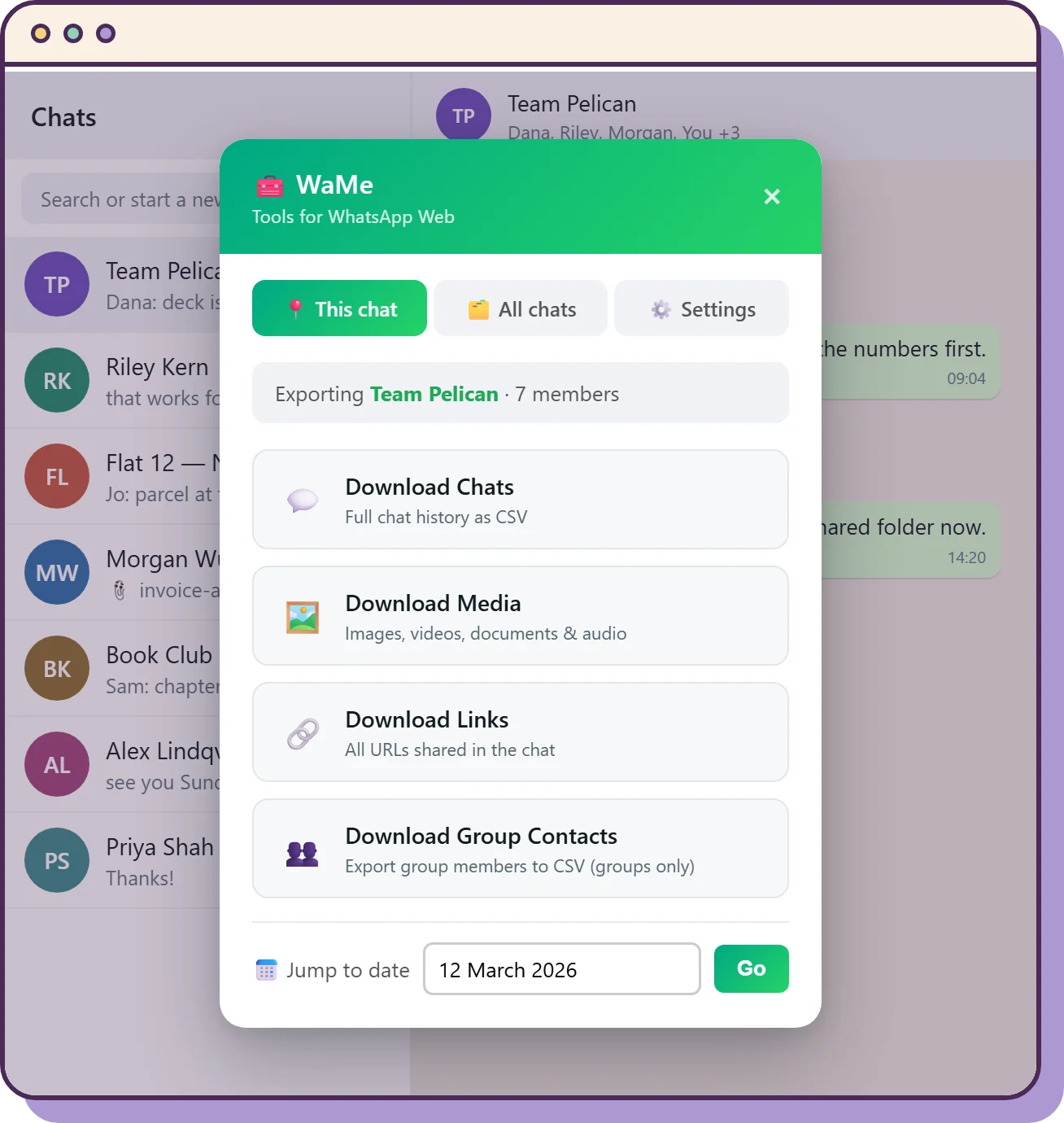
- All the links shared in a chat, in one list.
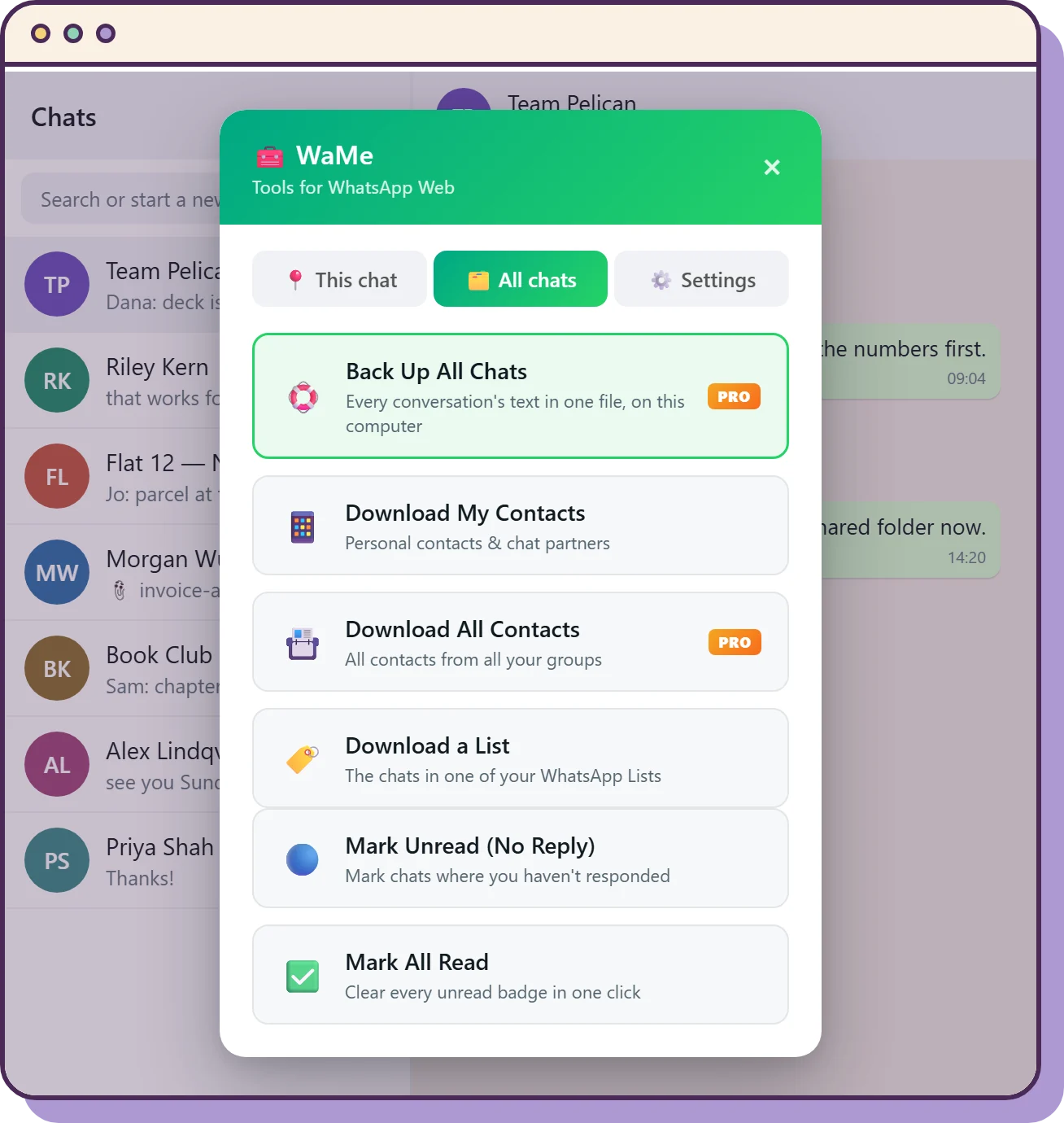
- Your contacts and chat partners, or the chats in one of your WhatsApp Lists.
- Every photo in an album, in one go.
Archive every conversation at once.
With WaMe Pro, save the text of all your chats in one spreadsheet, and export the members of every group.
- A chat's photos, videos, documents and voice notes, as one ZIP.
- Create a group from a list of numbers.
- Send messages on to Slack, Notion, Zapier, Make or your own webhook.
The archive is text, kept for reference. It is not a backup you can restore into WhatsApp.
Pro
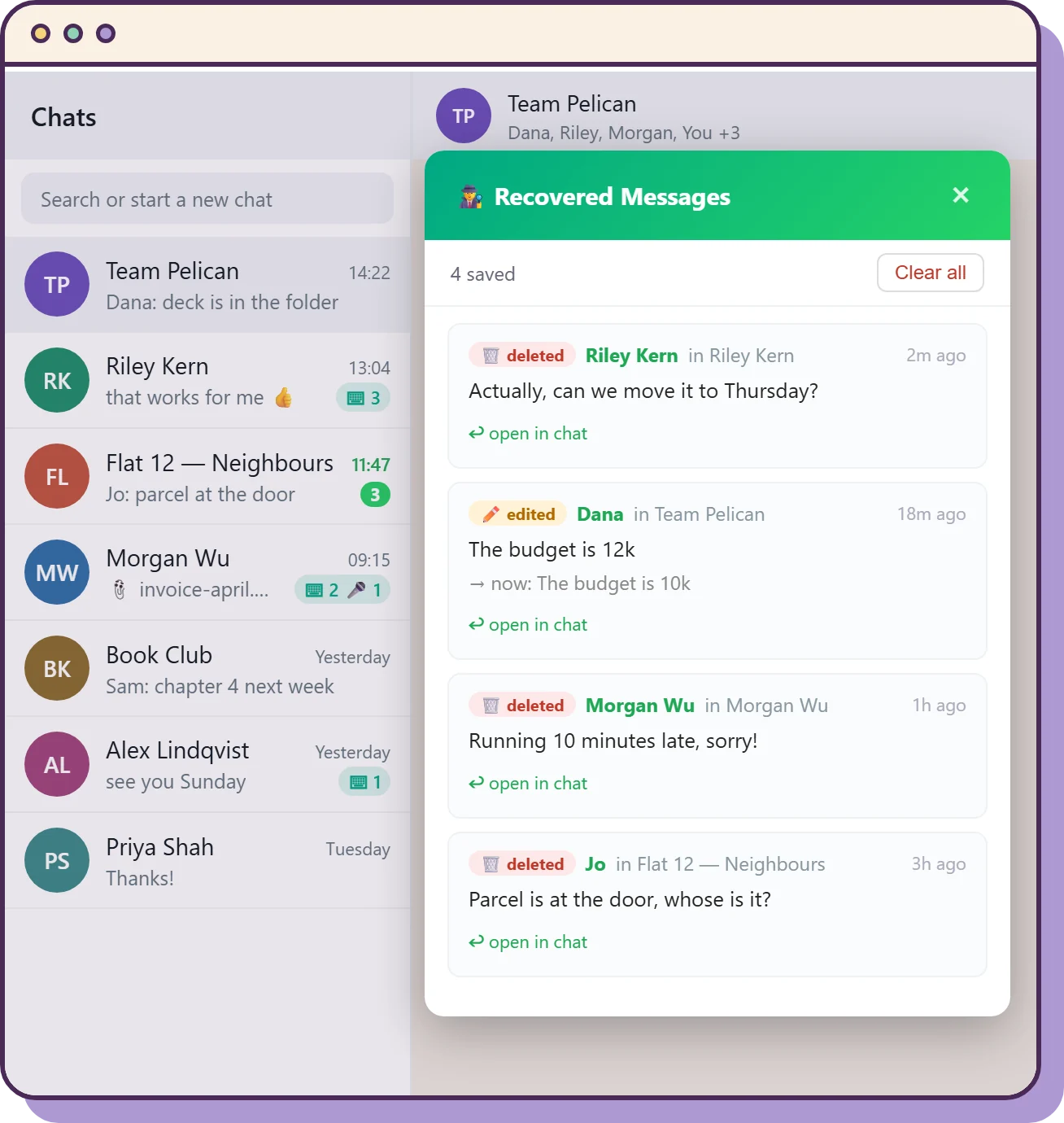
See what was deleted, and who almost wrote.
Anti-Delete keeps copies of messages others delete or edit. The typing counter shows, on each chat, how many times someone started typing and sent nothing.
- Mark the chats you never answered as unread, so you come back to them.
- Clear every unread badge in one click.
- Jump to any date in a long conversation.
Anti-Delete is Pro, and only has what it saw while it was on and WhatsApp Web was open. Photos come back as a small preview, because WhatsApp deletes the original.